EVPS Software & Modules
Give your hosting clients a control panel worth logging into.
EVPS cPanel Extended replaces the thin default cPanel product page with sixteen fully-featured self-service tabs, and gives your staff an admin command centre that can see and fix every account from inside WHMCS. Built on WHM API 1 and cPanel UAPI · no screen-scraping, no third-party middleware.
Not another cPanel link · a self-service platform
The stock cPanel product page gives a client a username, a password and a button that throws them at a panel they did not ask to learn. This module keeps them in your brand and does the work for them.
Everything in your client area
DNS, email, databases, backups, SSL, cron, FTP, files and apps are all managed inside WHMCS in your own theme. Clients never see a second login, and never see cPanel branding unless you want them to.
Your staff act on behalf, safely
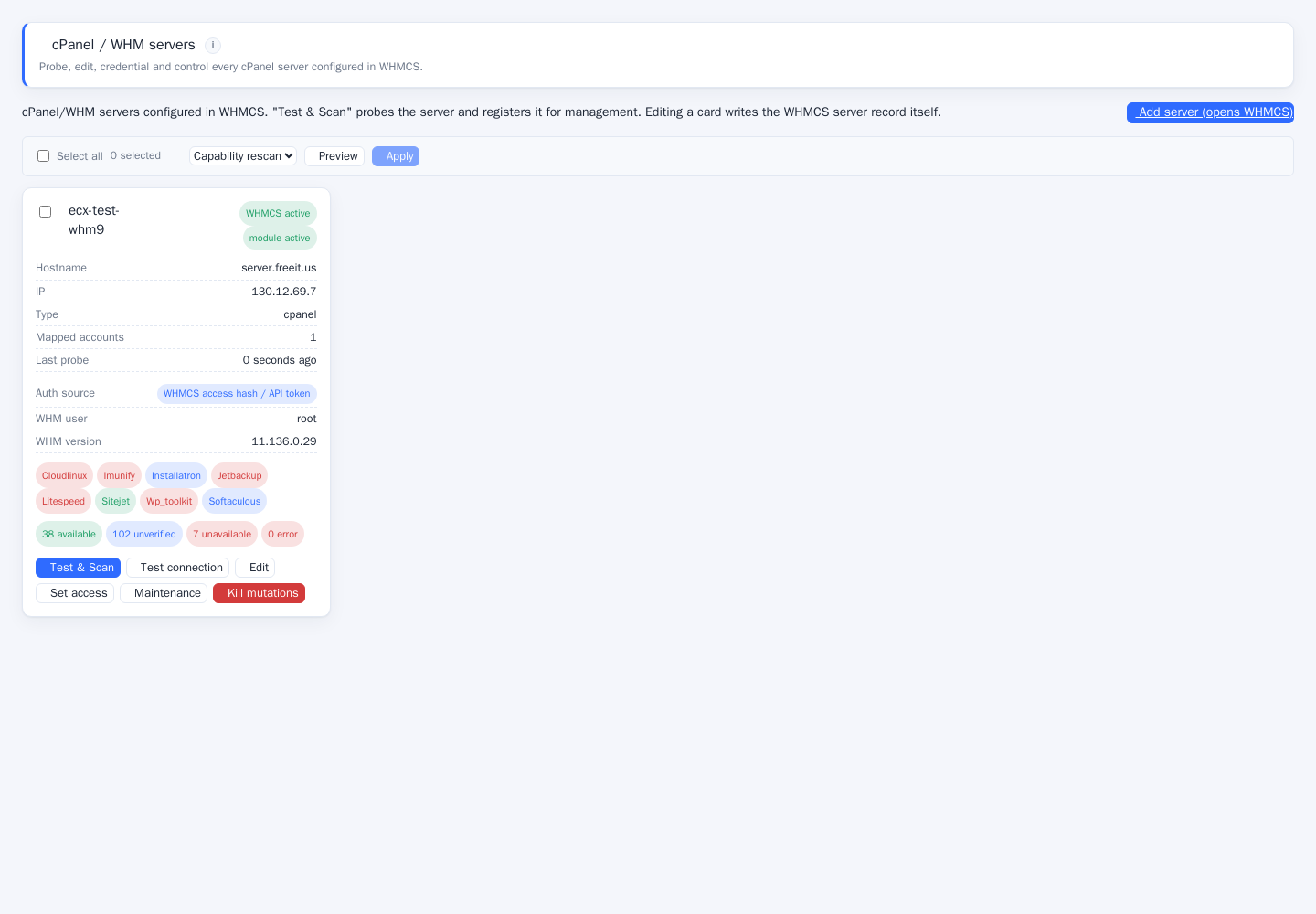
The admin command centre resolves any account, shows real capability per server and performs work with ownership re-verified on every read and write · not just on mutations.
Honest about what a server can do
A per-server capability matrix probes each endpoint and hides what is genuinely unavailable, so clients never meet a button that errors. Unsupported features disappear instead of failing.
Built to production standards
Encrypted secrets at rest, CSRF on every mutation, forwarded-IP-aware rate limiting, RBAC on every admin tab and a full audit trail of who did what to which account.
Everything the module adds
Sixteen client tabs and a full admin surface. Every item below is implemented against the live cPanel API, not a placeholder.
Account overview
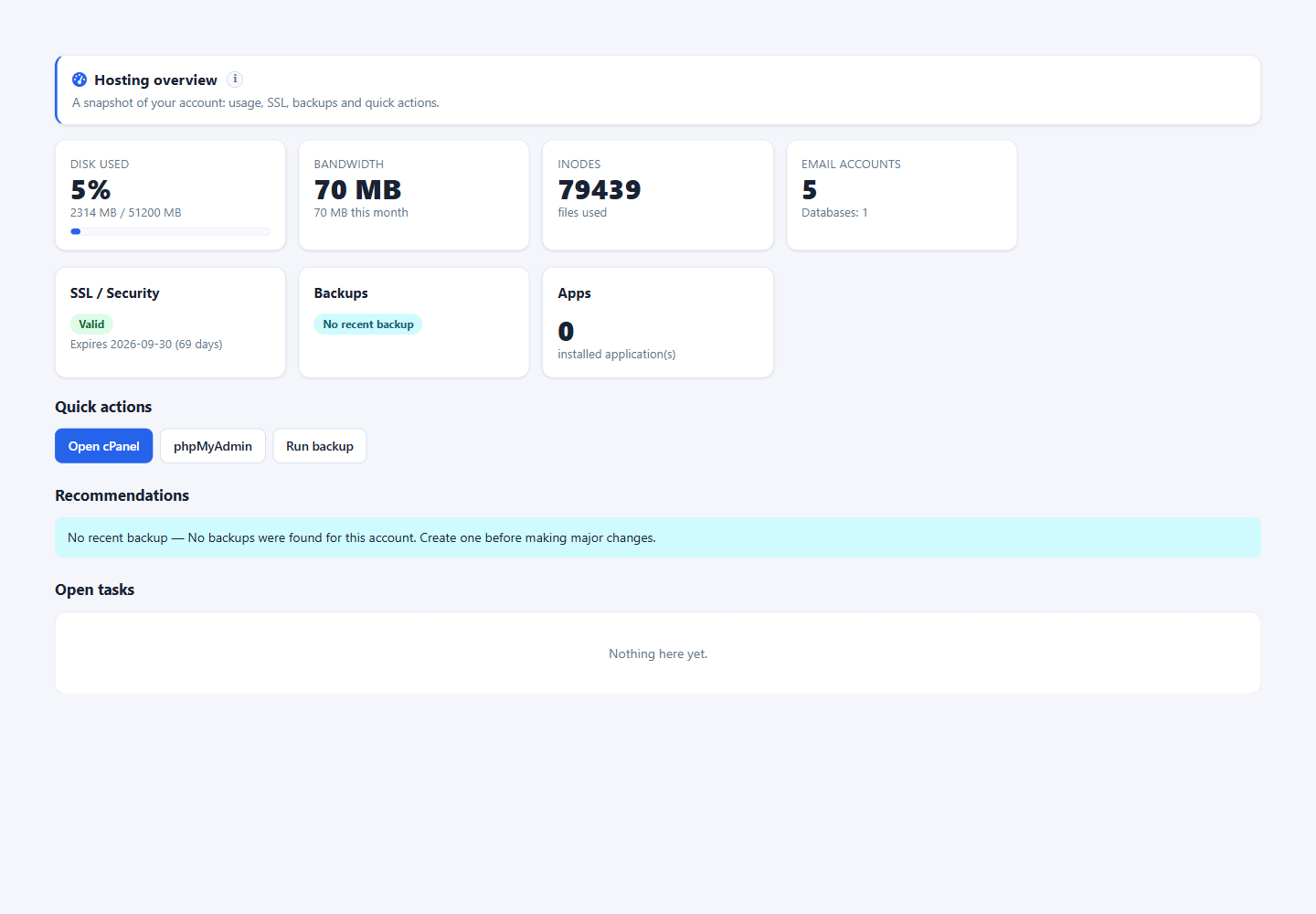
Disk, bandwidth, inode, email and database usage with live meters, plus quick actions and an at-a-glance health summary.
Domains
Addon, parked and subdomains with create and remove, document-root control and redirect management.
DNS & DNSSEC
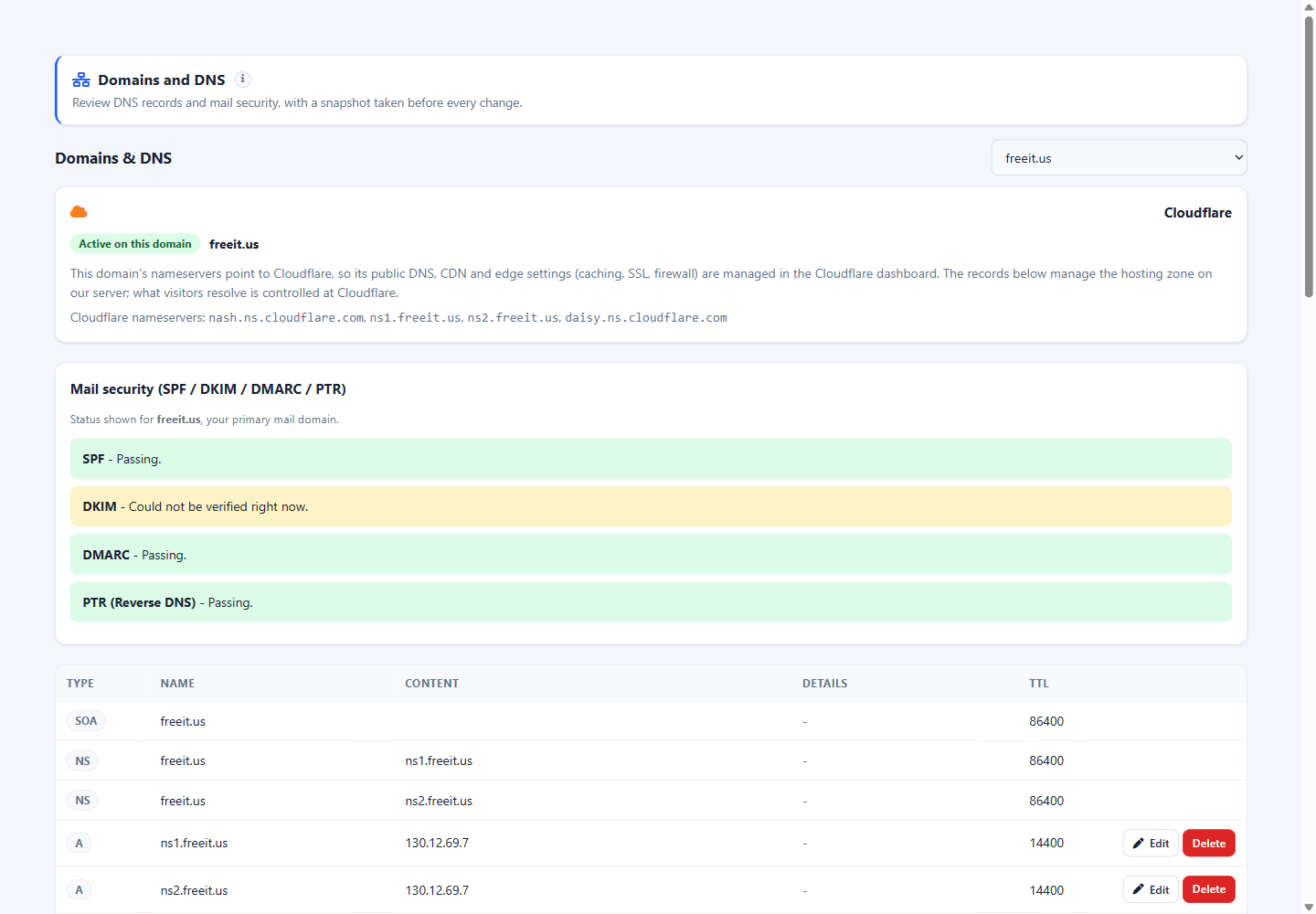
Full zone editing for A, AAAA, CNAME, MX, TXT, SRV and CAA records, with DNSSEC key display and validation before save.
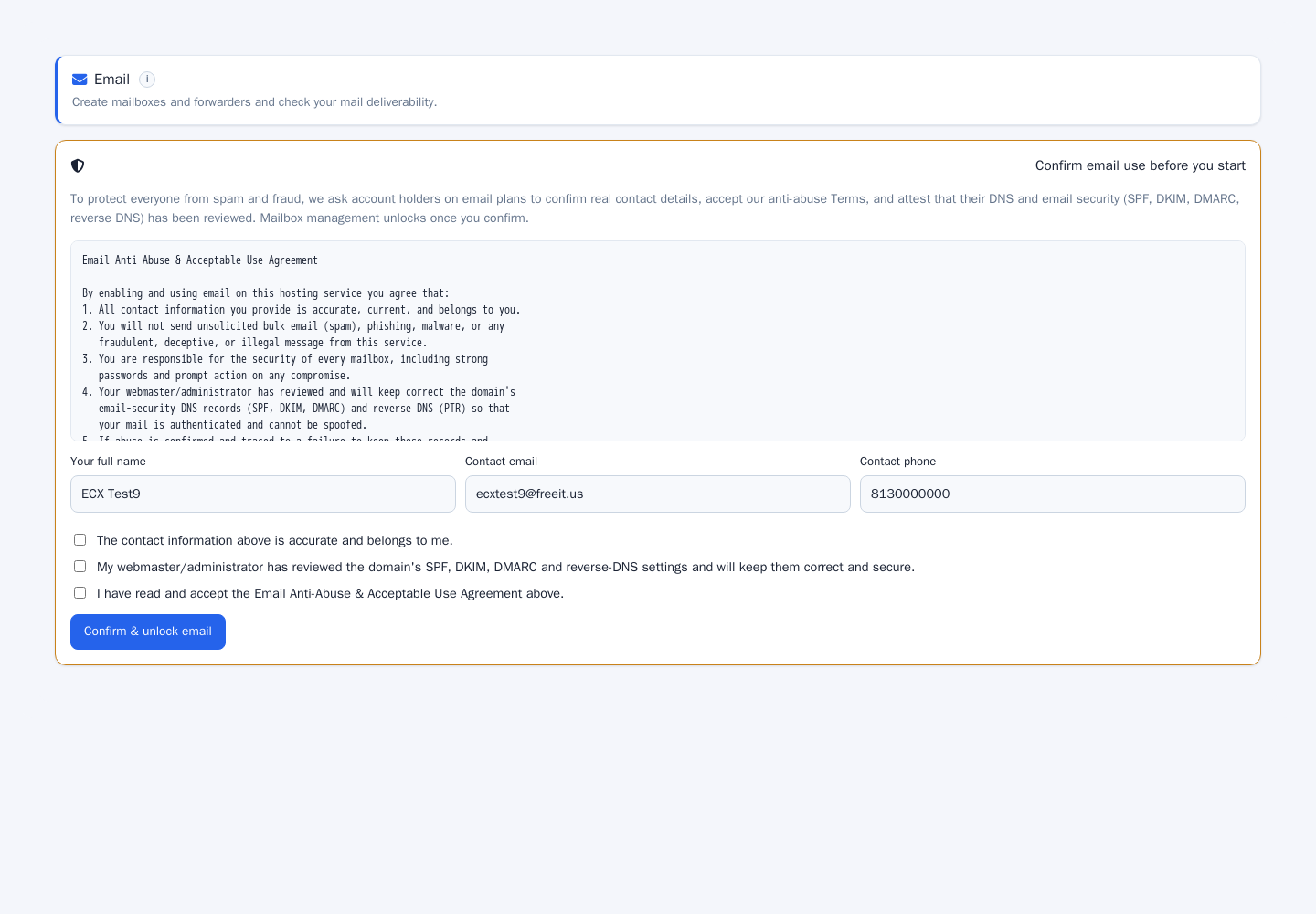
Accounts, quotas, forwarders, autoresponders, catch-all, mailing lists, filters and SpamAssassin tuning.
Databases
MySQL and PostgreSQL creation, users, granular privilege grant and revoke, remote-MySQL hosts and dump export.
One-click apps
The full Softaculous catalogue · 481 applications with install, category browse, search and version awareness.
WordPress management
Detect installs, run updates, manage plugins and themes, clone and stage, all without leaving your client area.
SSL
Certificate inventory, expiry tracking, AutoSSL status, installation and CSR generation with proactive expiry notifications.
Backups
Full and partial backup generation, download links, restore requests and retention visibility.
File manager
Browse, upload, download, edit, rename, move, permissions and compression · a real file surface, not a link out.
Cron jobs
Create, edit and delete scheduled tasks with human-readable schedule preview and confirmation before destructive changes.
FTP & Web Disk
FTP accounts with quota and password rotation, plus Web Disk (WebDAV) account management.
Security suite
Two-factor authentication, SSH keys, IP Blocker, ModSecurity, directory privacy, hotlink and leech protection.
Developer tooling
MultiPHP version and INI editor, PHP-FPM handler, Git version control, Node.js applications and User Manager.
Statistics
Visitors, bandwidth, error logs, raw access logs and AWStats surfaced natively in the client area.
Cloudflare
Zone status, cache purge, development mode and DNS proxy control tied to the cPanel account.
Admin command centre
Servers, capability matrix, diagnostics, API log, permissions and act-on-behalf tooling for your staff.
Import & sync wizard
Map existing WHMCS services, import accounts from WHM creating clients, services and products, and sync WHM packages to products.
See it from both sides
Real captures from a live installation · the client self-service area and the admin command centre.
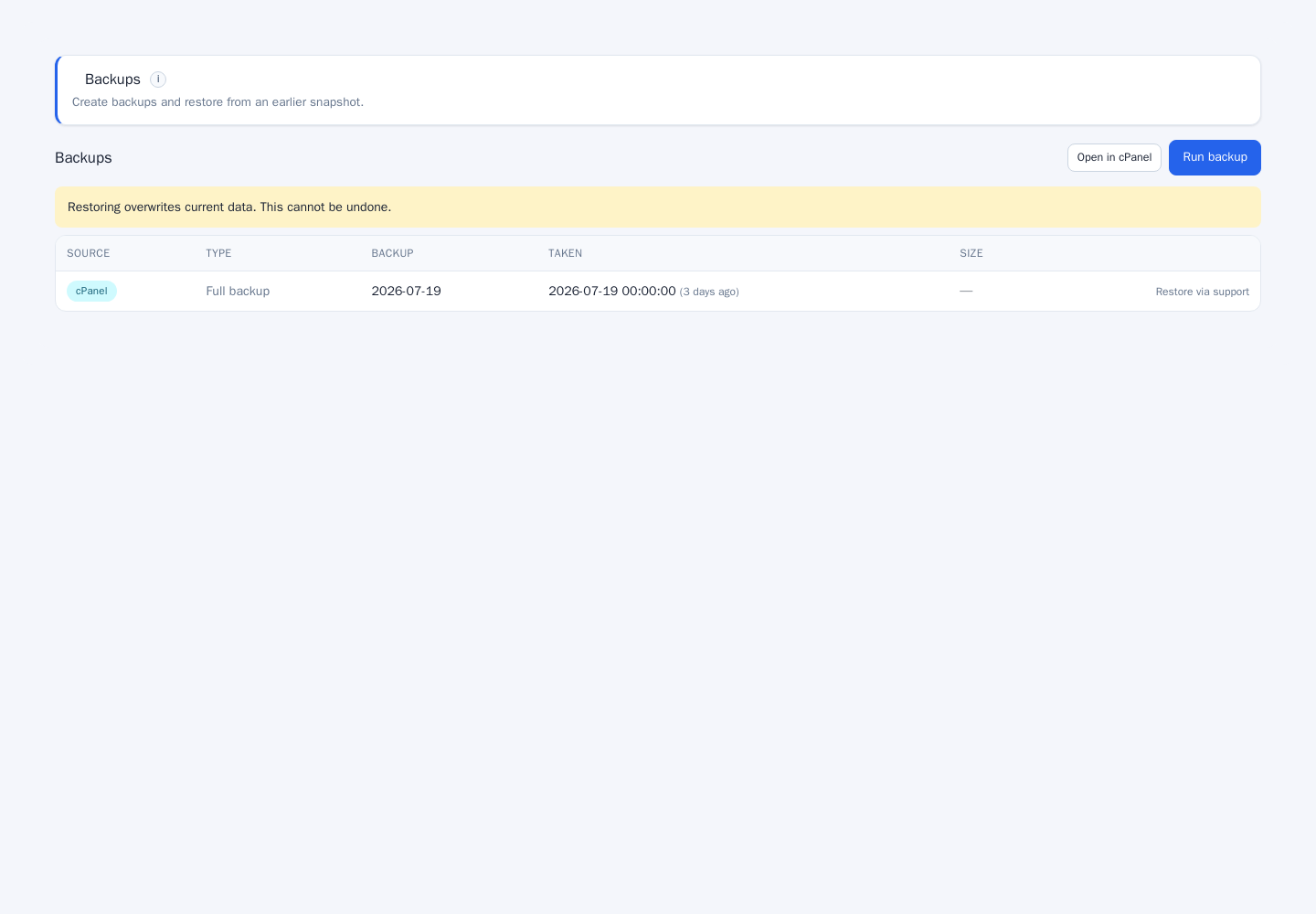
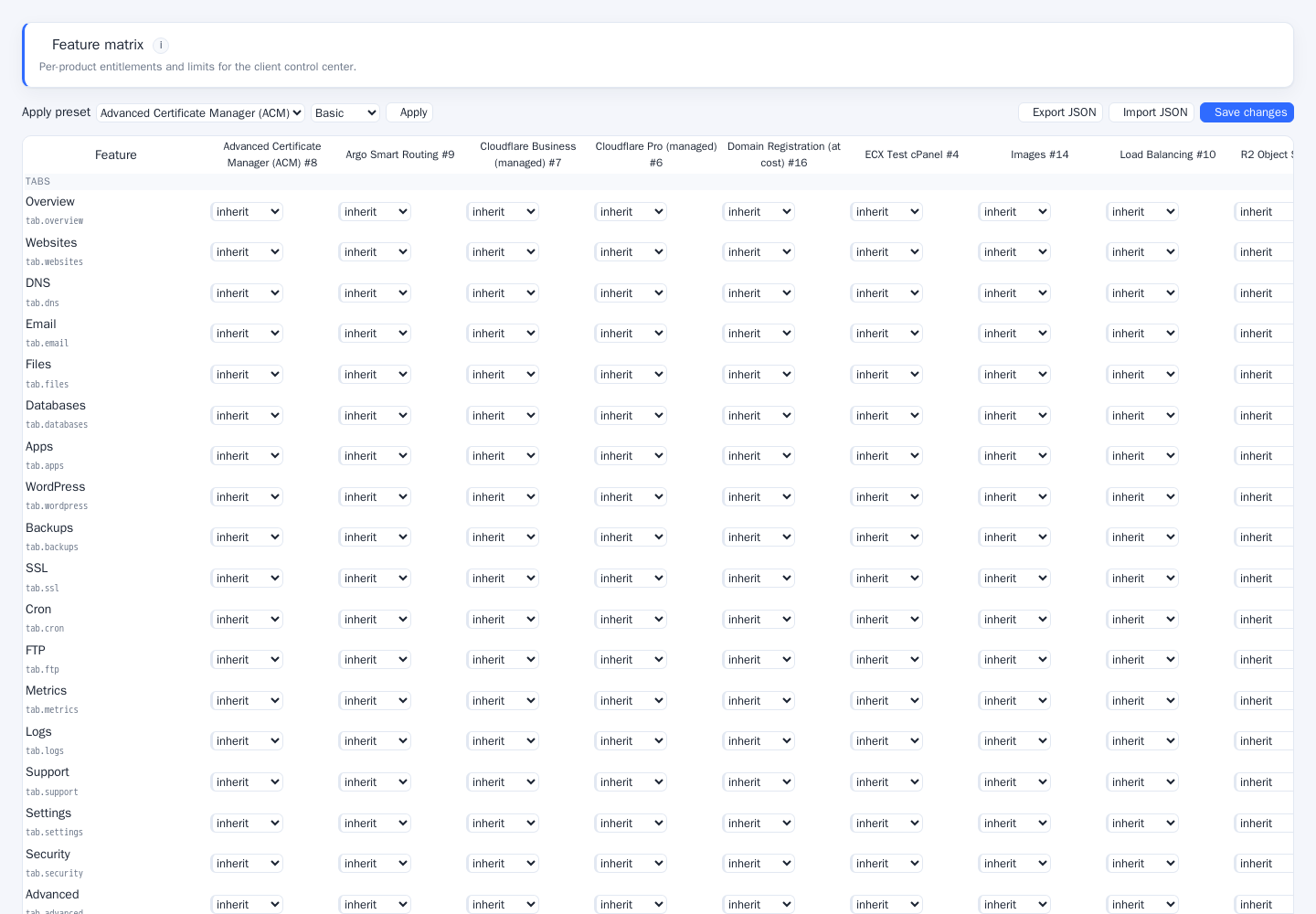
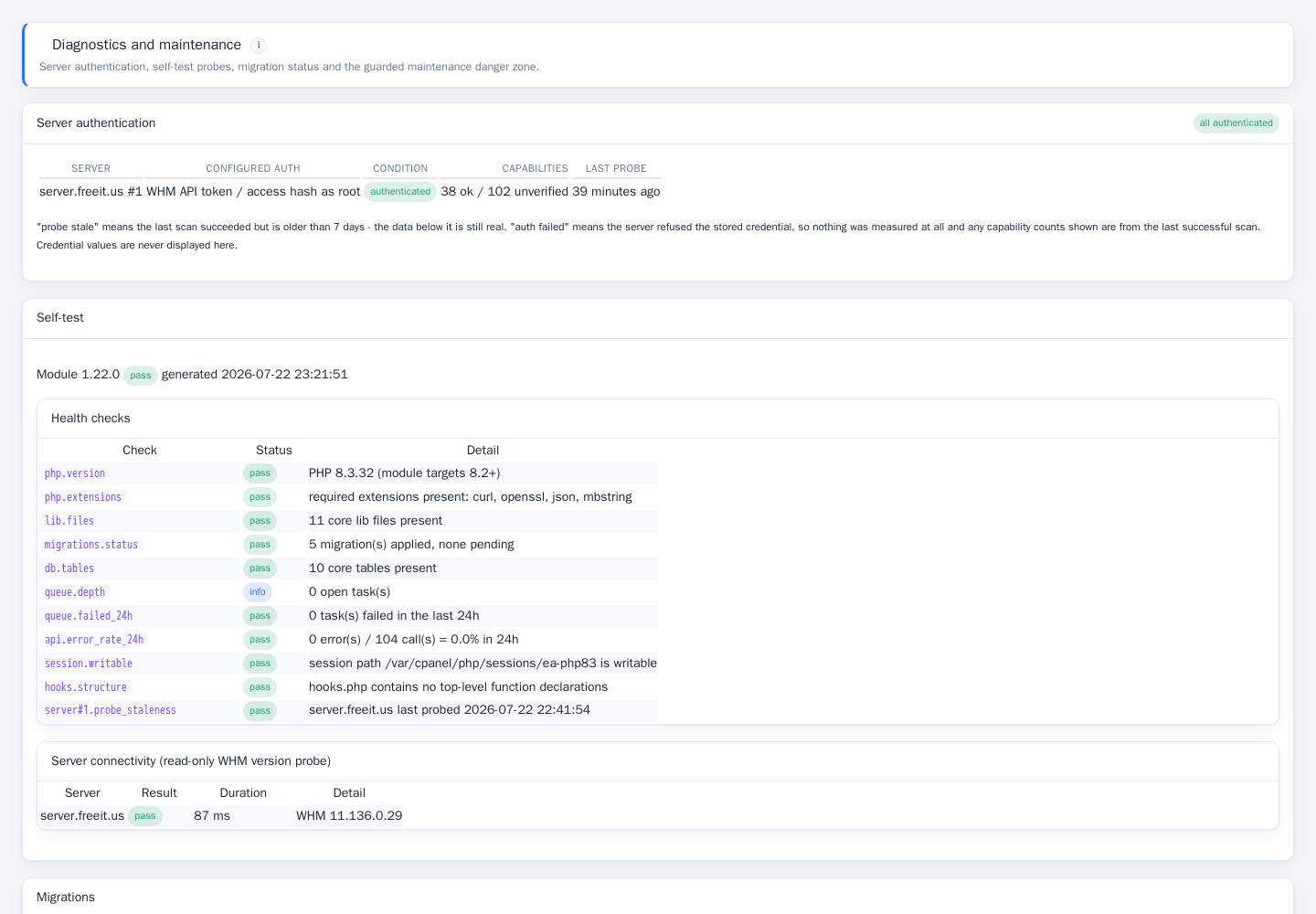
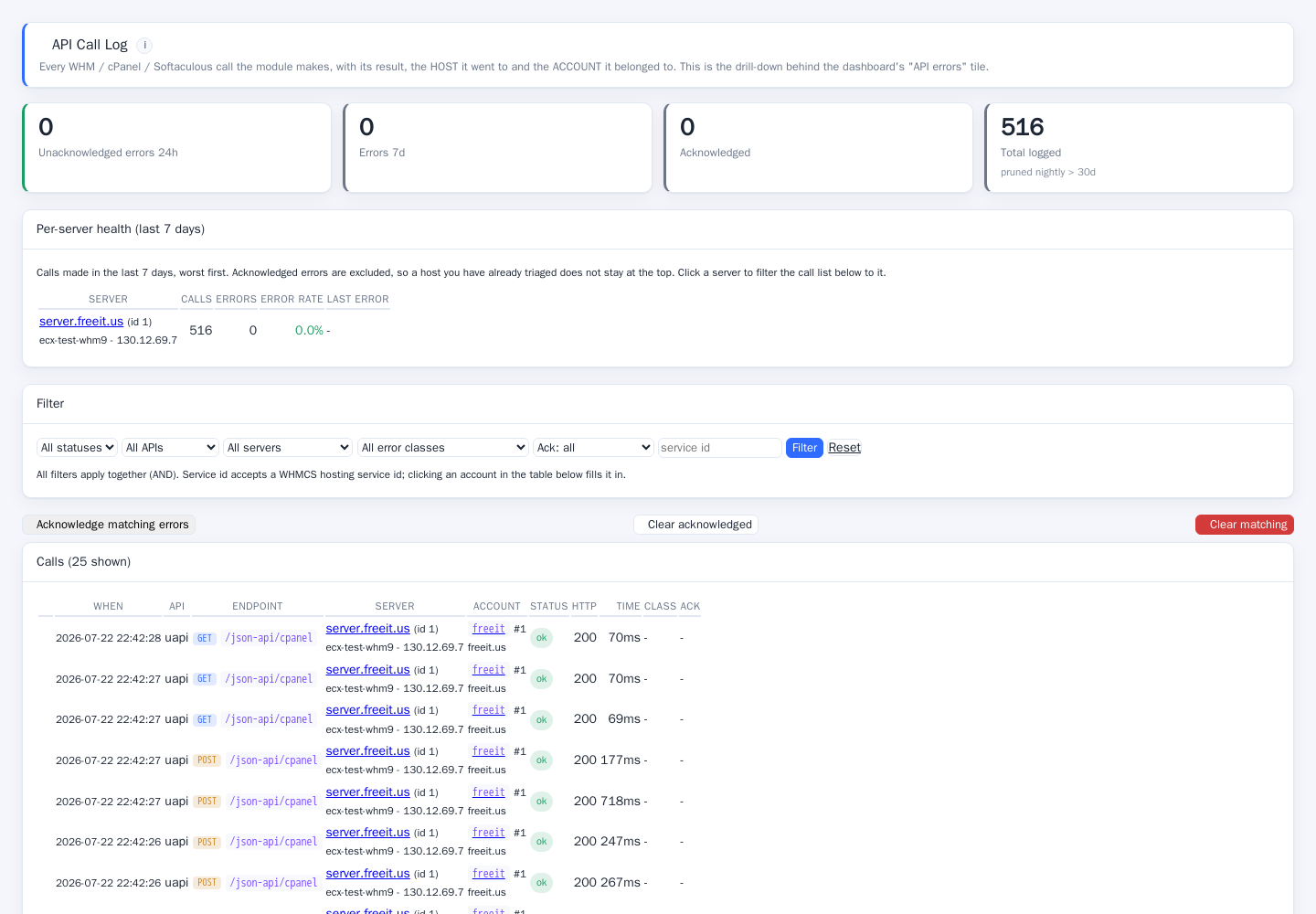
How to install & run it
- Install. Upload the suite, activate the addon in WHMCS and set the server module on your cPanel products. The server module and addon ship together and share one licence.
- Licence. Paste the licence key issued at checkout. Check-in is automatic; the module reports its own status in Diagnostics rather than failing silently.
- Connect. Add a WHM API token per server. The capability scan then probes each endpoint and records what that host genuinely supports.
- Import. Run the wizard to map existing services from WHMCS, or import accounts directly from WHM · creating clients, services and products as needed.
- Tune. Choose which of the sixteen tabs each product exposes, set per-role admin permissions and pick your notification thresholds.
- Operate. Diagnostics, the API log and the audit trail tell you what is happening. Failed tasks and expiring SSL raise notifications on their own.
Protected, licensed, supported
ionCube protected
Shipped encoded for ionCube Loader 13.3 and above · the version measured on the certified estate, not guessed from the encoder generation. A readable preflight explains any mismatch instead of a white screen.
Properly licensed
Issued through WHMCS Software Licensing on order, with reissue support when you move servers. No phone-home beyond the licence check-in.
Supported
Support and updates are included for the term of your licence. Lifetime and agency licences include updates for the life of the product.
Verified before release
Every release passes syntax lint, a function-conflict scan across all installed modules, unit tests and a full authenticated browser walk of every client and admin tab.
Compare the three licences
One codebase, three ways to buy it. Every tier ships the complete feature set · the difference is installation count and how long you pay for it.
| Subscription $19.95 /mo · $179.95/yr | Best value Lifetime $899 one-time | Agency $2,499 one-time | |
|---|---|---|---|
| Complete feature set | |||
| WHMCS installations | 1 | 1 | 100 |
| All 16 client tabs | |||
| Admin command centre | |||
| Softaculous & WordPress tooling | |||
| Cloudflare integration | |||
| Import & sync wizard | |||
| Updates | While active | Lifetime | Lifetime |
| Support | While active | Lifetime | Priority, lifetime |
| Licence reissue on server move | |||
| Billed | Monthly or yearly | Once | Once |
Requirements
WHMCS
8.13 or 9.0
PHP
8.2 · 8.3
ionCube Loader
13.3 or newer
Panel
cPanel & WHM
Access
WHM API token per server
Optional
Softaculous, Cloudflare
Frequently asked questions
Does this replace the cPanel server module that ships with WHMCS?
What happens on a server that does not support a feature?
Will my clients need a separate cPanel login?
Which ionCube Loader do I need?
Can I move the licence to another server?
What does the Agency licence cover?
Do you see any of my client data?
Recent updates
Choose your licence
Same complete module in every tier · the only difference is how you pay and how long updates & support last.